The house looked wonderful from the sidewalk. On the phone it is a gray smear with streaks where the lights should be, or a black frame with a few white dots.
Shoot at dusk, hold the phone still so Night mode can finish, and darken the frame so the bulbs keep their color.
If you only do two things, hold still and darken the frame.
Go at early dusk
Wait until the lights are on, but do not wait for full dark.
While the sky is not yet fully black, the sky and the house both keep some detail. The photo shows the house and the sky, not only the bulbs.
A dark frame leaves the bulbs as the only thing to see. Aim for the last blue in the sky. The blue hour section of the golden hour guide explains that part of the evening.
Darken the frame when the bulbs go white
On an iPhone, tap the screen, then drag the small sun icon beside the yellow focus box down. Drag down until the bulbs show red, green and blue again.
A bright bulb that fills the frame turns white and loses its color. The phone is brightening the whole scene to fit the dark, and darkening the frame brings the color back.
On a Pixel the camera has a brightness slider too, and most other phones have a similar control.
Stop as soon as the bulbs show their colors, even if the house looks dim.
Let Night mode work
On recent iPhones and Pixels, the night setting turns on by itself when the light is low. On iPhone 11 and later, a yellow Night mode icon at the top of the screen shows it is on.
A night photo can take longer than a daytime one. Depending on how dark it is, the iPhone may take a moment or several seconds.
Hold the phone steady until the capture finishes.
A number beside the Night mode icon shows how long the shot will take. When you take the photo, the slider above the shutter counts down to the end of the capture.
If crosshairs appear in the frame, the phone has detected movement. Line them up to help reduce the motion.
On a Pixel, hold still for a few seconds while Night Sight captures the photo.
Brace the phone
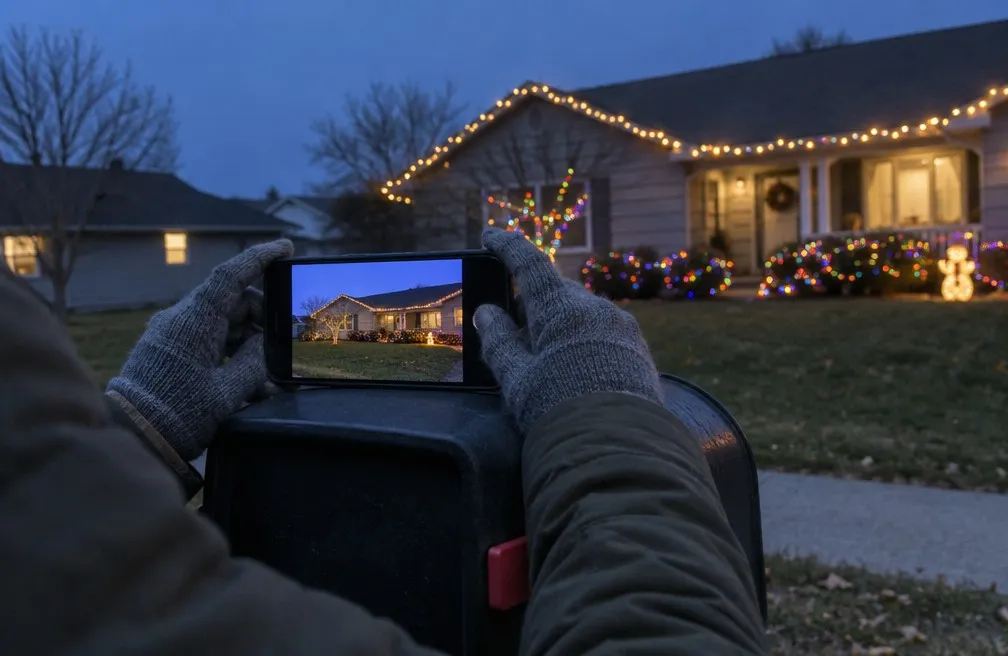
Your hands shake a little, and a long capture shows every bit of it.
Rest the phone on something solid:
- Fence post. Press the phone against the top, or set it on a flat cap.
- Mailbox. The flat top makes a steady shelf.
- Car roof. Set the phone down and point it at the house.
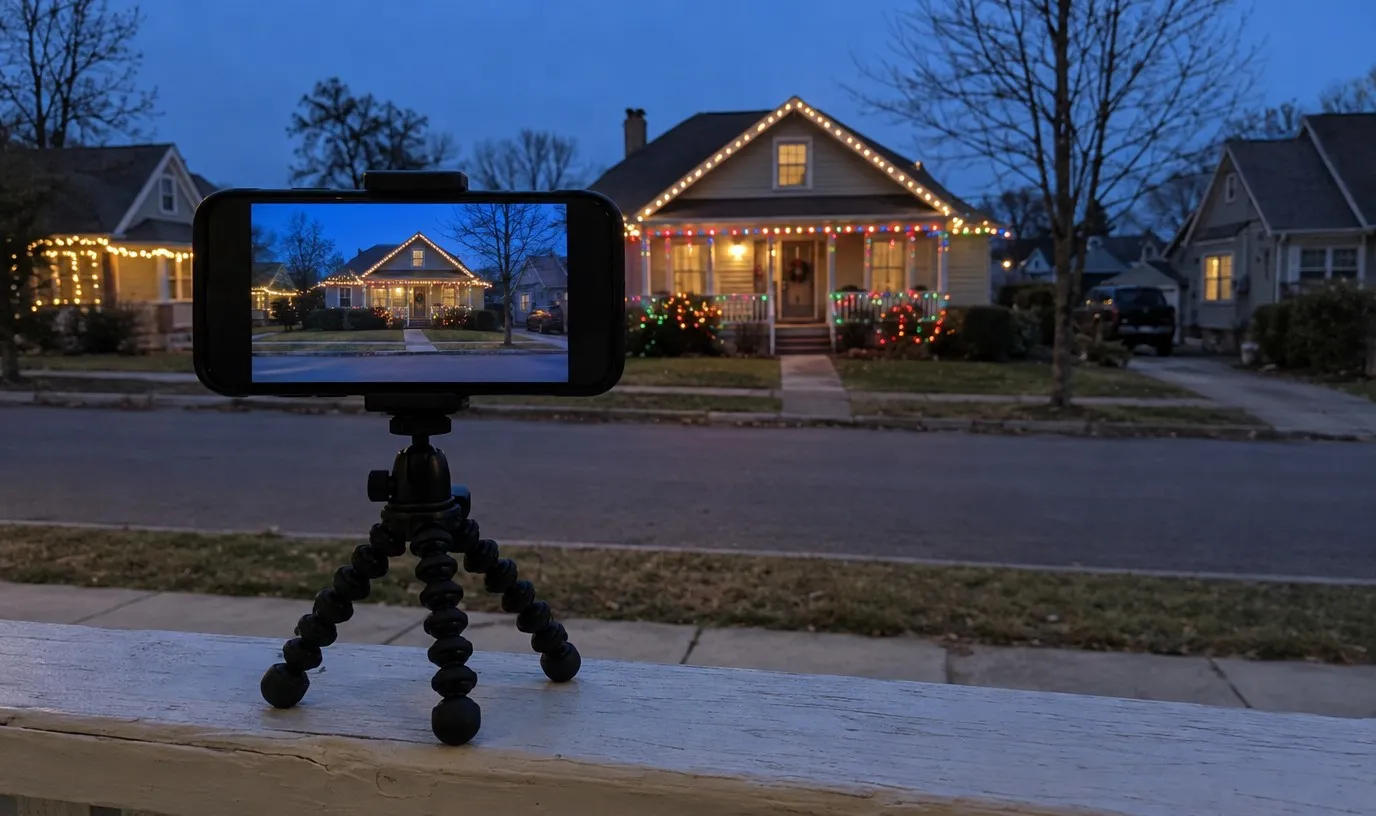
- Small tripod. A small tripod or clip mount holds it for you.
Tap the shutter, then leave the phone alone until the countdown ends.
Keep the flash off
On an iPhone, turning the flash on switches Night mode off, and a flash set to Auto can fire by itself in the dark. Set the flash to Off before you start.
On a Pixel, Automatic Night Sight does not work while the flash is on.
Frame the house or one string
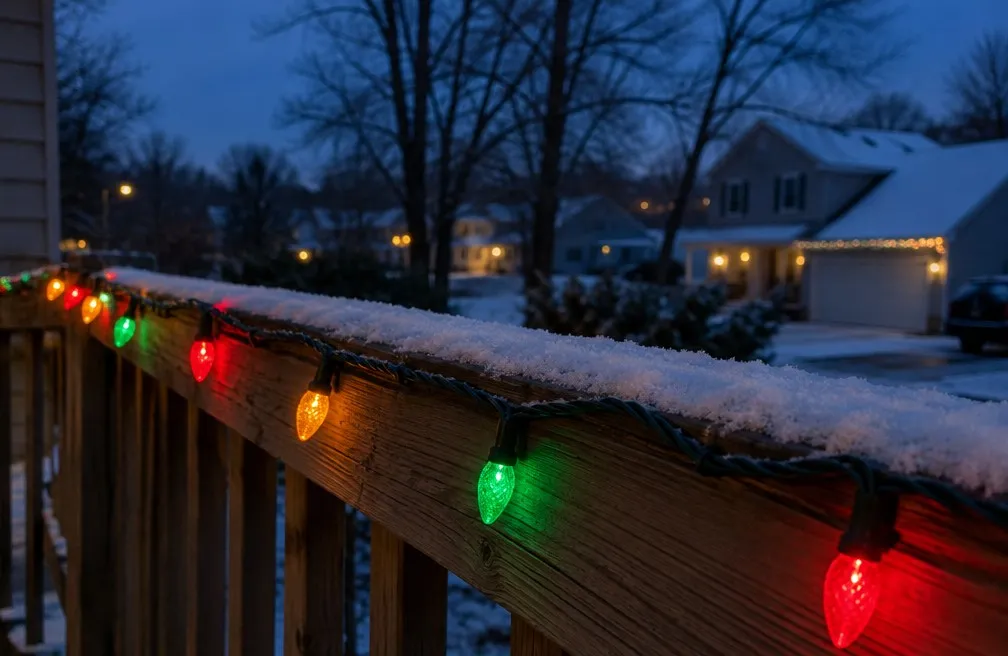
Two kinds of shot work well.
- Whole house. Stand back far enough to see the roofline, porch and yard together.
- One close string. Step in near a few bulbs and fill the frame with them. This is where darkening matters most.
Pick one and shoot it. Trying to fit both in one frame usually makes a crowded photo.
People in front of the lights
Ask anyone standing in front of the house to stay still, because any movement shows as a blur.
Count the seconds down together, and have them hold their pose until it ends.
Plan your evening walk
Pick a short route near home past three or four lit houses.
If you are unsure about the cold, how cold is too cold to walk helps you decide. Walking after dark takes a little extra care on uneven sidewalks.
Carry the phone in an easy pocket, stop at each house, brace it and let it finish.
A walk like that is also the kind that keeps you active through the winter, with a few good photos at the end of it.
Sources: Apple, Use Night mode on your iPhone; Apple, Take Night mode photos with your iPhone camera; Apple, Use iPhone camera tools to set up your shot; Google, Take photos in low light or at night on your Pixel phone or tablet.