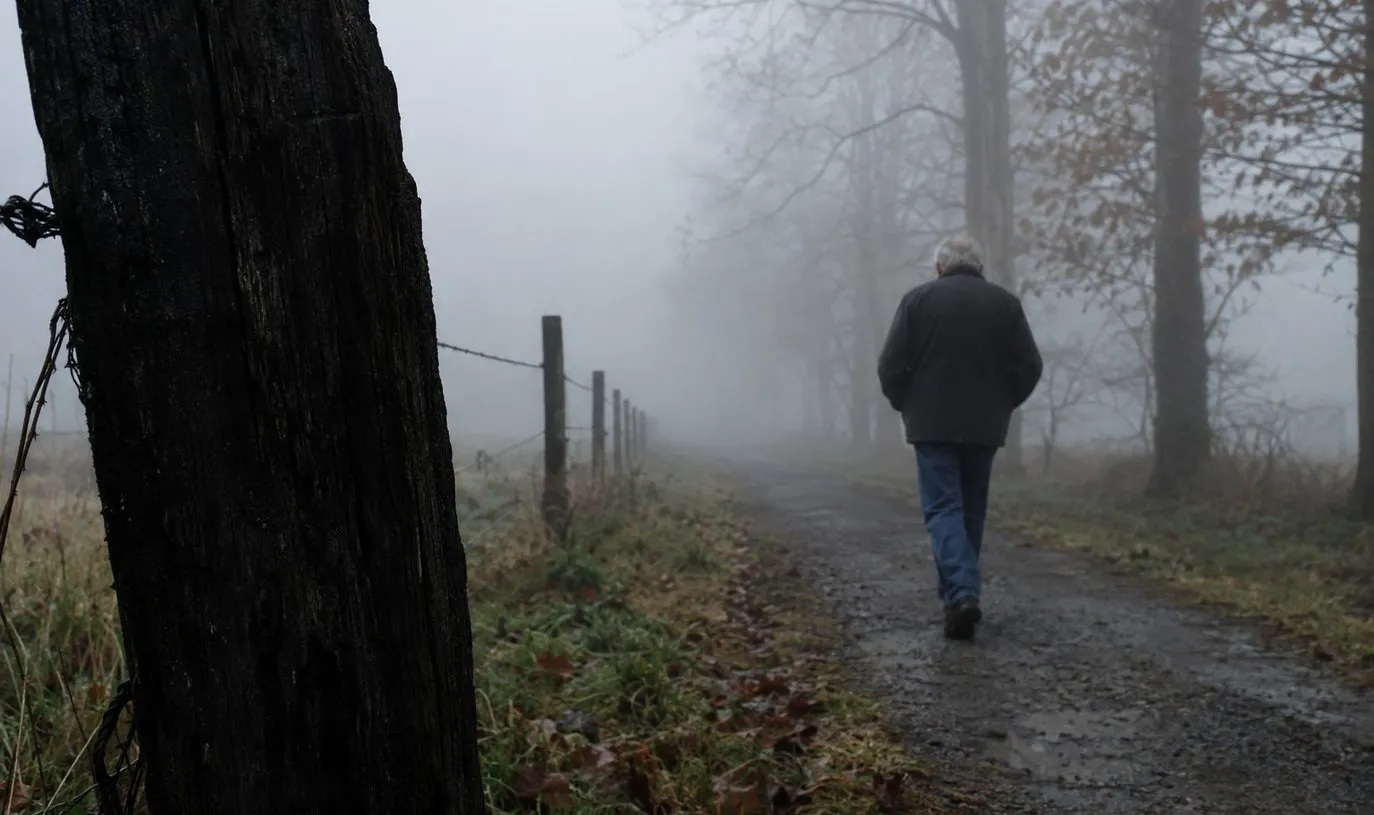
The light is perfect. Frost on the fence rail, low sun cutting through the fog, the kind of scene that does not come twice.
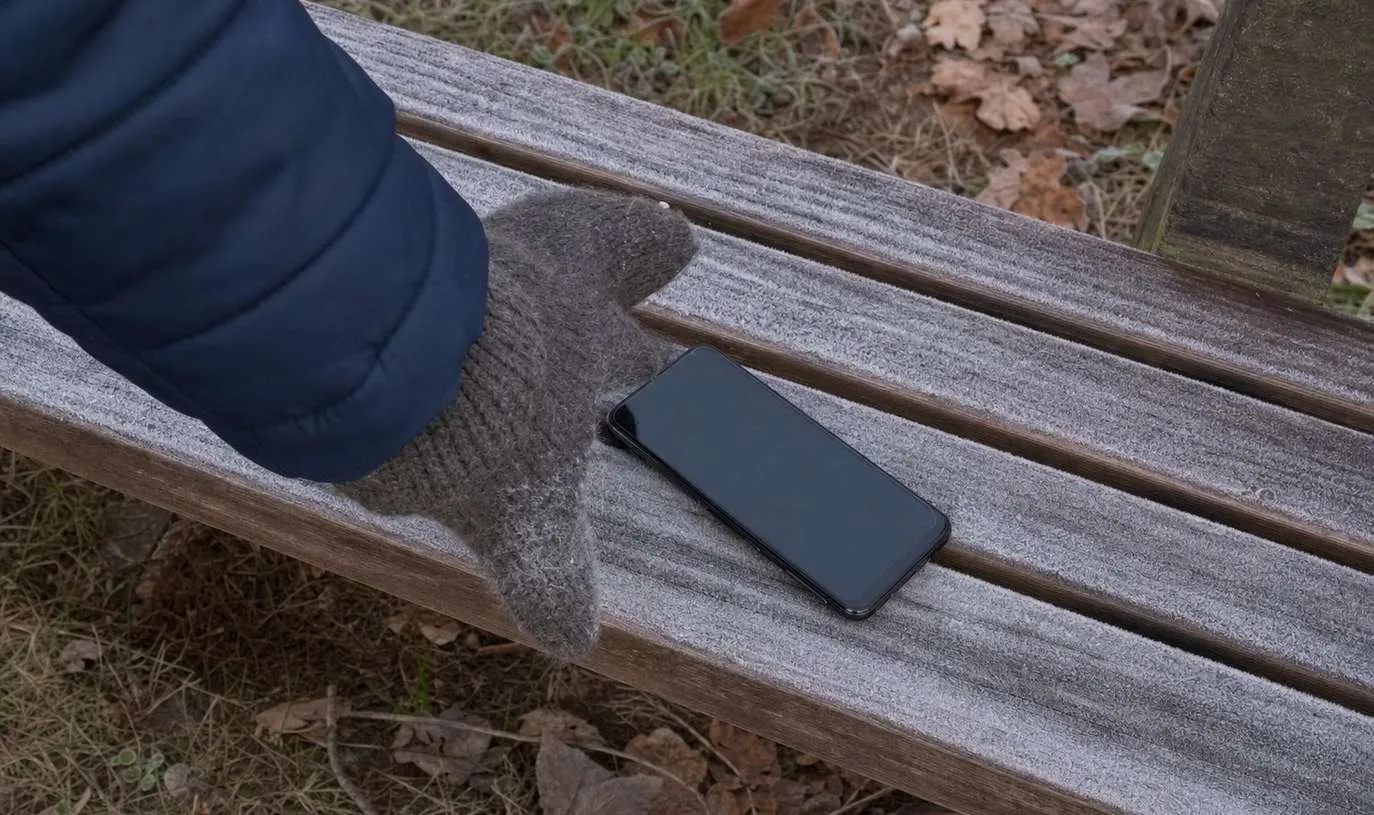
You pull out your phone to shoot it. The screen shows eleven percent, then a battery icon, then nothing at all.
The phone has shut itself off in the cold, and the shot is gone before the camera even opens.
A cold phone is not broken. It behaves differently until it warms back up.
If you walk and shoot through a real winter, it will probably happen to you.
What Is Actually Happening Inside the Phone
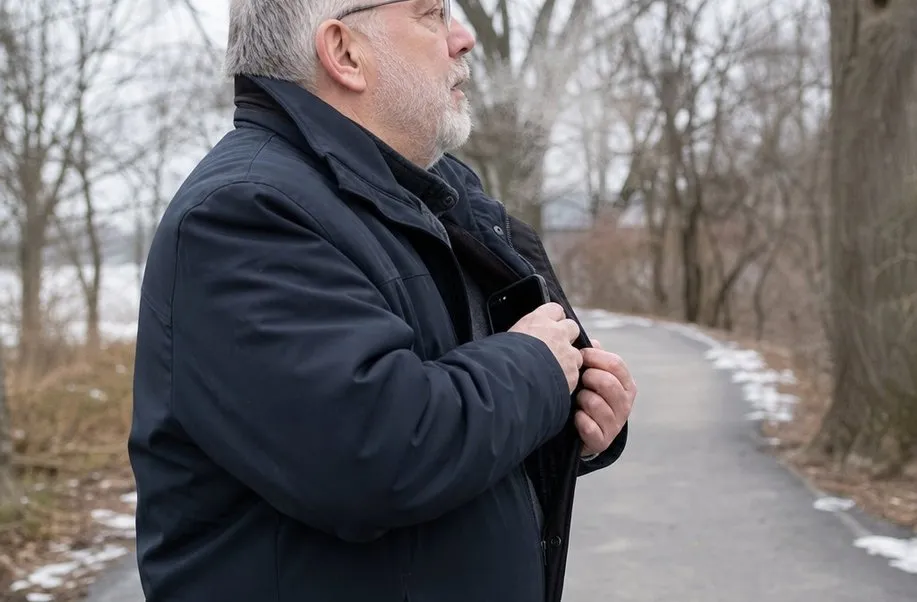
It feels like the phone broke. It didn’t.
Nothing inside it is wearing out.
It comes down to the chemistry. Phone batteries lose power faster in the cold because the reaction that produces the charge slows down, not because anything is damaged.
A cold phone reads a lower charge, or shuts down early, to protect itself, not because the battery has failed.
Apple says plainly that iPhones and iPads are built to work between 0 and 35 degrees Celsius, or 32 to 95 Fahrenheit. Step outside that range and the device changes its own behavior to manage its temperature.
The same guidance also warns that extreme heat can permanently shorten a battery’s life. It carries no such warning about cold. What you see on a winter walk is usually a temporary effect, not lasting damage.
The best camera for outdoor photography is still the phone you already carry. Technique beats gear, and knowing how that gear behaves in the cold is part of the technique now.
Cold is an inconvenience here, not a warranty problem.
The Cold Isn’t the Only Thing to Watch
The National Weather Service is clear that frostbite needs the air itself to be below freezing. Wind chill alone will not push a mild day below that line for a person.
It still makes the cold feel far worse, and hypothermia is possible even when the thermometer reads above freezing. If your fingers stay numb or turn white or gray after you warm up, see a doctor.
Check the actual conditions before a long cold walk, not just how the wind feels on your face.
If a hard freeze or a wind advisory is in place where you live, plan the outing around it and dress for it. The guide to walking safely on ice and snow covers the basics for every winter.
A little planning beats a ruined shot every time.
What to Do Before a Cold Walk
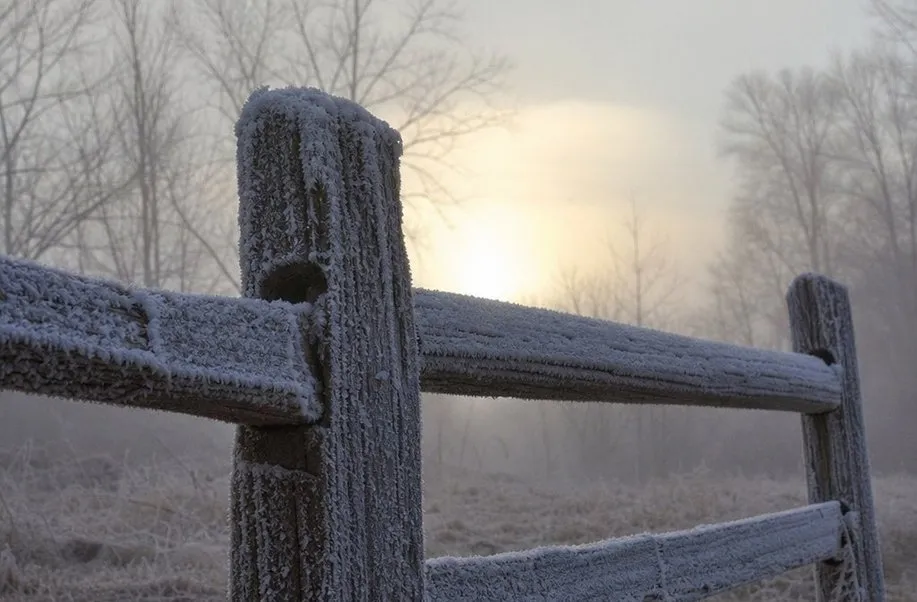
A few cheap accessories, like a mount, a clip lens, or a spare battery pack, fix real problems. Most gear beyond that is a gimmick.
- Keep the phone in an inner pocket, close to your body, not an outer layer facing the wind.
- Carry it screen side against you so your own body heat keeps the battery a little warmer.
- Bring a small spare battery pack on longer walks. It can save a cold sunrise. For other cheap items that actually help on a walk, see the roundup of cheap phone photography accessories.
- Let a cold phone warm up slowly indoors. Do not blast it with a heater or leave it on a radiator to speed things up.
- Wear gloves that work a touchscreen. Fumbling with bare fingers in the cold is what makes people give up early.
None of this needs new gear, just a different pocket and a warmer routine.
It’s mostly about habits, not spending.
Giving the walk a reason to happen also helps more than any accessory. That is most of what keeps a winter walking habit going.
There is more about it in walking with a camera to stay active.
A Checklist for Your Next Cold Outing
A five-item check before you leave prevents most cold-weather phone failures on a walk.
Before you head out on a cold morning, run through this short list.
- Check the real temperature and wind chill, not just how it looks through the window.
- Put the phone in an inner pocket against your body, not an outer layer.
- Pack a small spare battery pack if you will be out more than an hour.
- If the battery reading looks wrong, warm the phone a few minutes before assuming the shot is lost.
- Dress for the actual conditions, and skip the walk if a real weather warning is in place.
None of this has to stop the next cold morning walk. It just means checking the forecast and loading a battery pack first.