Most nature photos go wrong before you ever press the button.
Where you stand, when you shoot, and a few small habits matter far more than the phone itself.
Here is what to do differently.
Wipe the Lens Before Anything Else
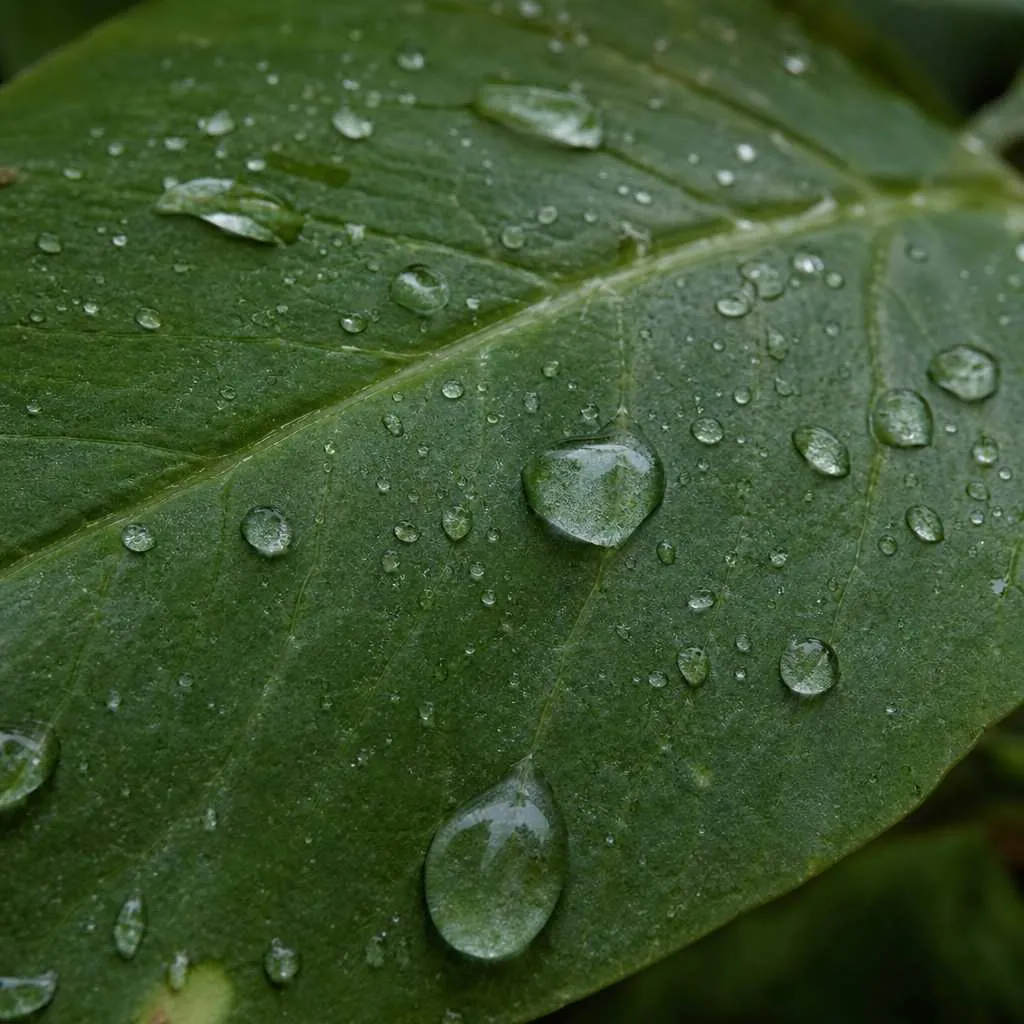
Your phone lives in a pocket and picks up fingerprints constantly.
A smeared lens turns bright outdoor light into haze, and you usually can’t see it on the small screen until you’re home.
A microfiber cloth is the cheapest upgrade you will ever make to your photos. A shirt corner works if you have nothing else. Wipe before you shoot, not after.
Leave the Flash Off
Turn it off and forget it exists.
A phone flash only reaches about six feet, which is useless for a landscape. For wildlife, it is worse. It startles anything you are trying to photograph and gives you a washed-out subject against a pitch-black background.
Let the available light do the work instead. An overcast day is often better for nature photography than bright sun. The cloud cover acts like a big diffuser and keeps colors even.
If it is genuinely dim, try Night Mode. It brightens the whole scene naturally and does not need anything to hold still.
Good light is free and forgiving. Overcast days are often better for photos than bright sun.
Tap to Focus on What You Actually Want Sharp
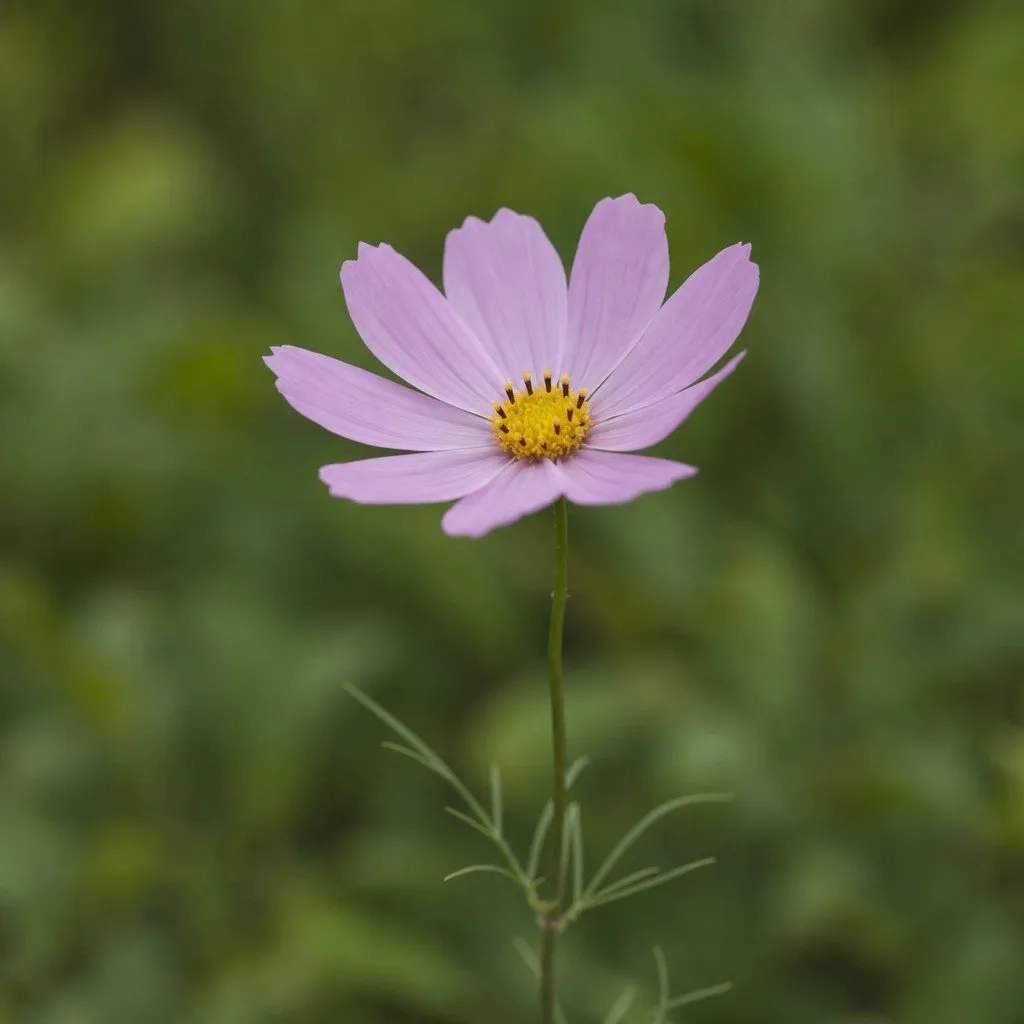
Your phone does not know which part of the scene you care about.
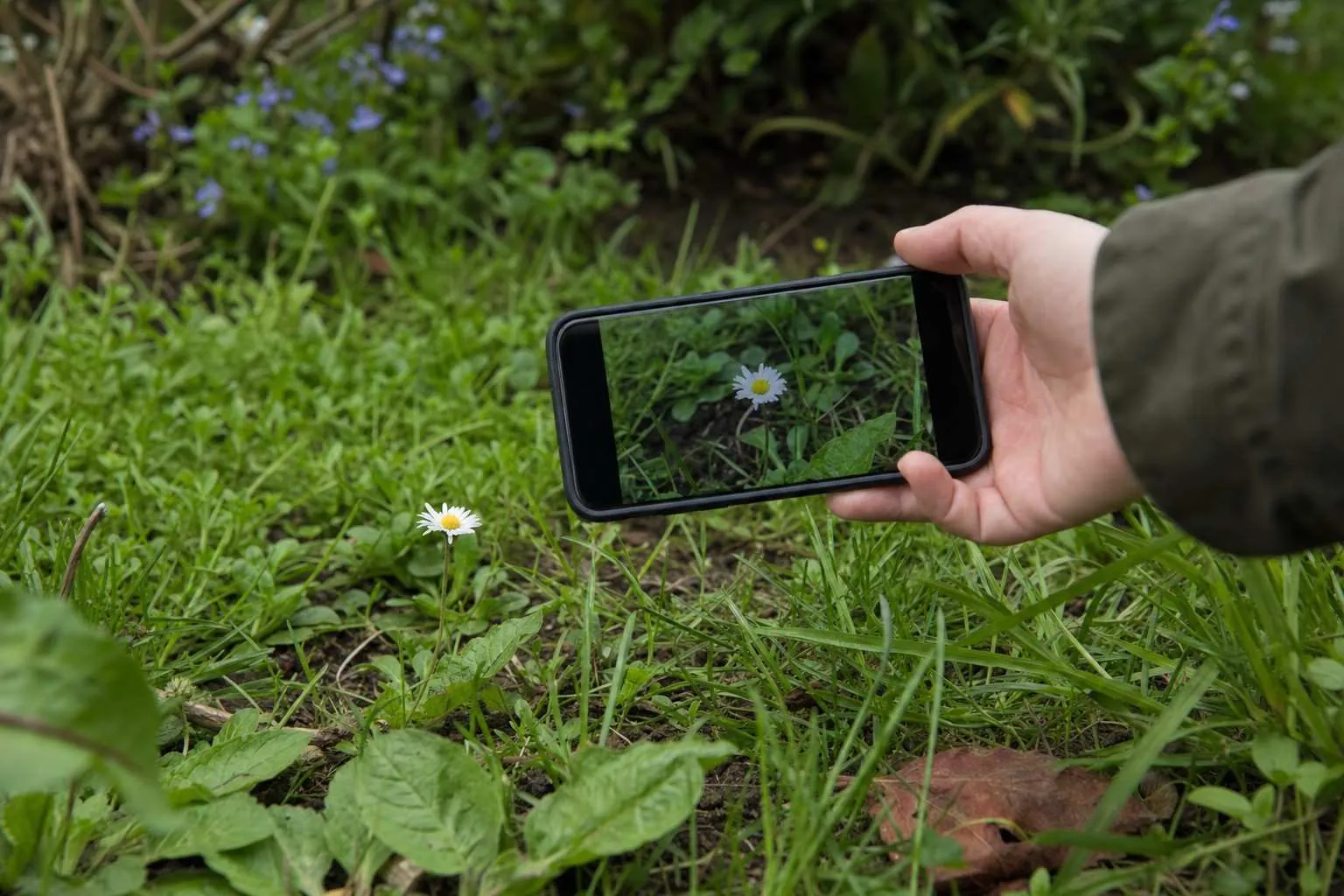
Tap the screen on your subject before you shoot. This sets the focus there, and also adjusts the brightness for that area.
If you are photographing a bird in the shadows with a bright sky behind it, tapping the bird is the difference between a silhouette and an actual photo.
This one habit fixes more nature shots than any setting or mode.
Get Low and Get Closer
Most phone photos are taken from eye level, standing up, from the first spot you stopped.
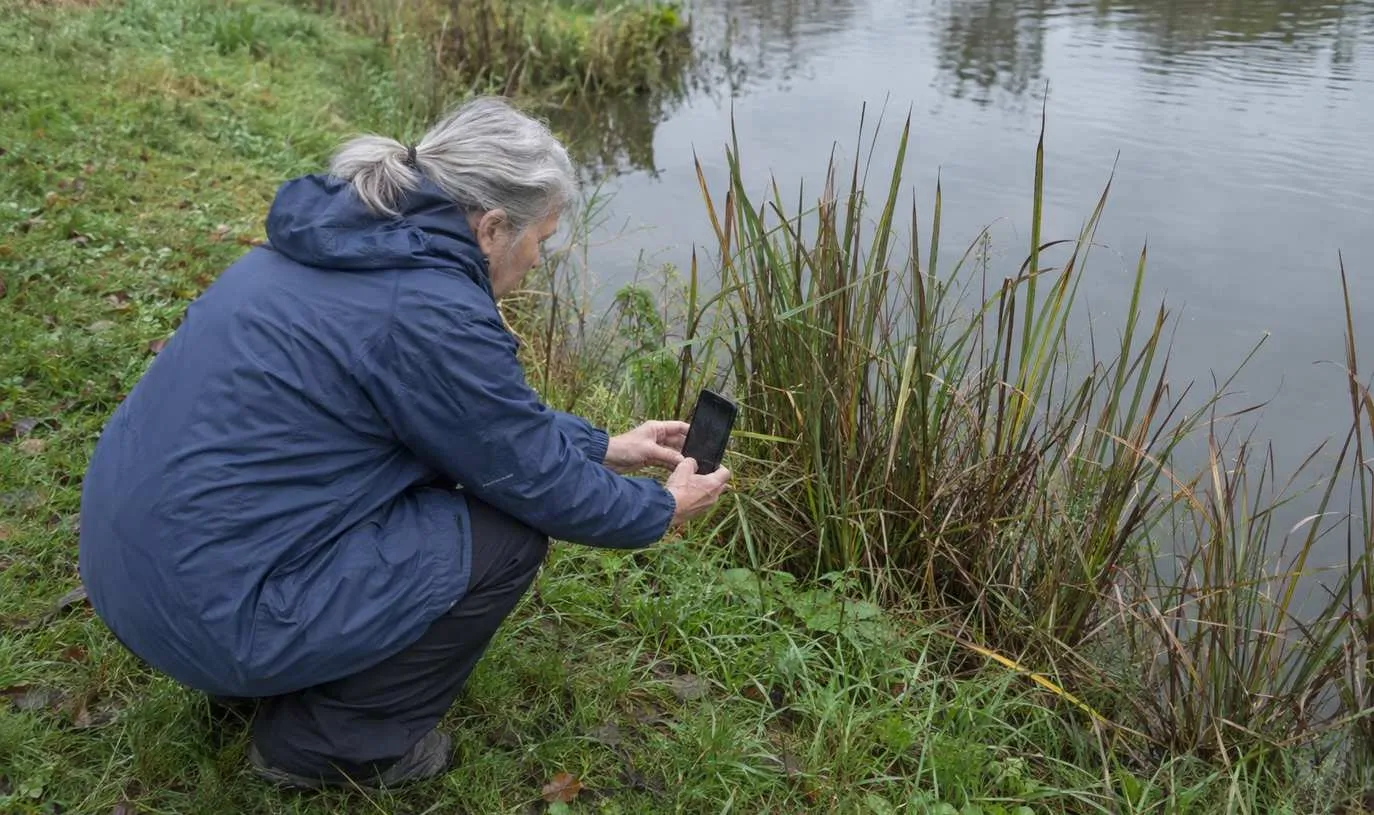
Getting low changes the photo entirely. Crouch down to a flower’s level and you get the sky or a blurred meadow behind it instead of a tangle of stems.
Move in close enough that the subject fills the frame and the busy background shrinks behind it.
Phone cameras do well at close-up shots. The portrait mode on most modern phones adds a subtle background blur that works nicely on flowers, mushrooms, and anything that holds still.
If your phone has a macro mode, it gets you even closer to small things like insects and dewdrops.
For wildlife: use your zoom, not your feet. The digital zoom on a modern phone is better than it used to be. More importantly, it keeps you at a respectful distance from anything that might bolt.
Use the Grid and Stop Centering Everything
Switch on the grid overlay in your phone’s camera settings. It overlays a 3x3 pattern on the screen and takes about ten seconds to find.
Once it is on, use it to nudge your subject off-center. A hawk perched in the left third of the frame feels deliberate.
A horizon sitting on the bottom third line gives the sky space to breathe. Dead center almost always looks flat.
This is the rule of thirds, and it is the main idea behind composition rules for phone photos. Once you start noticing it, you use it on every shot without thinking.
Shoot at the Right Time of Day
This matters more than any setting on your phone.
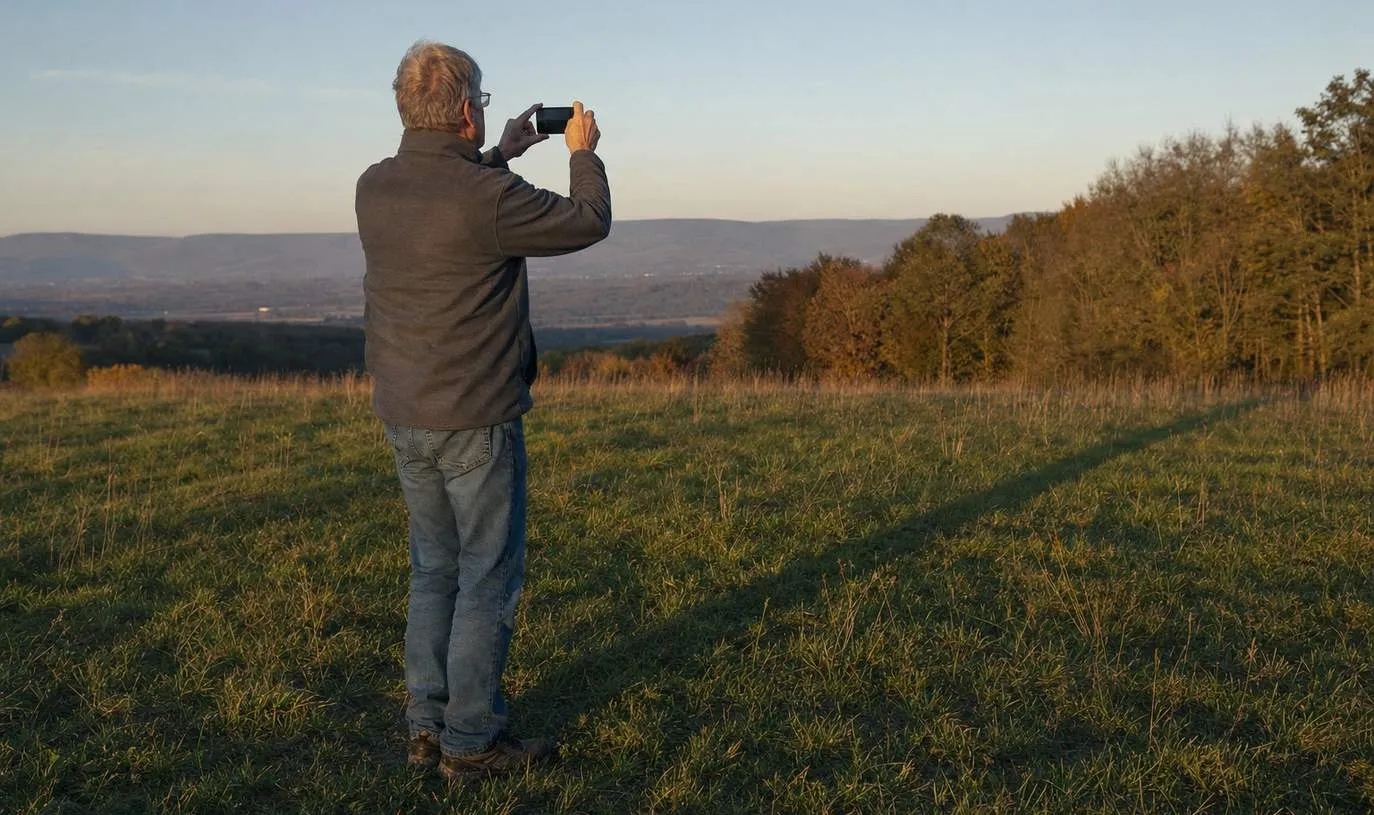
Early morning and late afternoon give you soft, angled light. Midday sun is harsh and washes out color. If you walk in the morning anyway, you already have the best shooting window.
Cloudy days are not bad days for photos. They are often better. Even gray light with no harsh shadows is genuinely good for nature photography.
Clean Up the Background Before You Press the Button
Even a great subject loses its impact if the background behind it is busy.
Before you shoot, look at the whole frame for a second. Not just the subject. A bright bit of sky in the corner, a stray branch cutting through the scene, another hiker walking into shot.
A small step to either side usually clears it up. That one habit improves more shots than any filter or shooting mode.
It connects directly to outdoor photography tips for walkers. The people who take good photos on a walk are mostly doing this: slowing down, looking at the whole frame, and moving before they shoot.
Steady the Shot (Especially in Low Light)
Blurry photos are almost always a steadiness problem.
Two hands on the phone, elbows tucked in, take a breath and hold it while you tap the button. That alone makes a difference in dim conditions.
If you shoot often in low light or at dawn, a clip-on phone mount or a small flexible tripod is worth the few dollars it costs. It’s the one accessory that’s actually worth buying.
Along with a bluetooth remote shutter so you are not nudging the phone when you tap. There is a short list of cheap phone accessories that fix real problems if you want to go further.
For most shots on a walk, though, two hands and a slow breath is enough.
Start With These Four
You do not need to change everything at once.
- Wipe the lens
- Turn off the flash
- Turn on the grid
- Tap to focus before you shoot
Do those four on your next walk and you will already see the difference. The rest comes with time.