I do most of my editing at the kitchen table in the evening, phone plugged in, a cup of tea getting cold next to the keyboard.
Nothing fancy. But I have learned that the laptop itself needs a little care if you want those editing sessions to go smoothly.
Your laptop is part of your photo kit, and it needs the same attention as your phone or your lens cloth.
Here is what I do to keep mine running well.
Give the Vents Room to Breathe
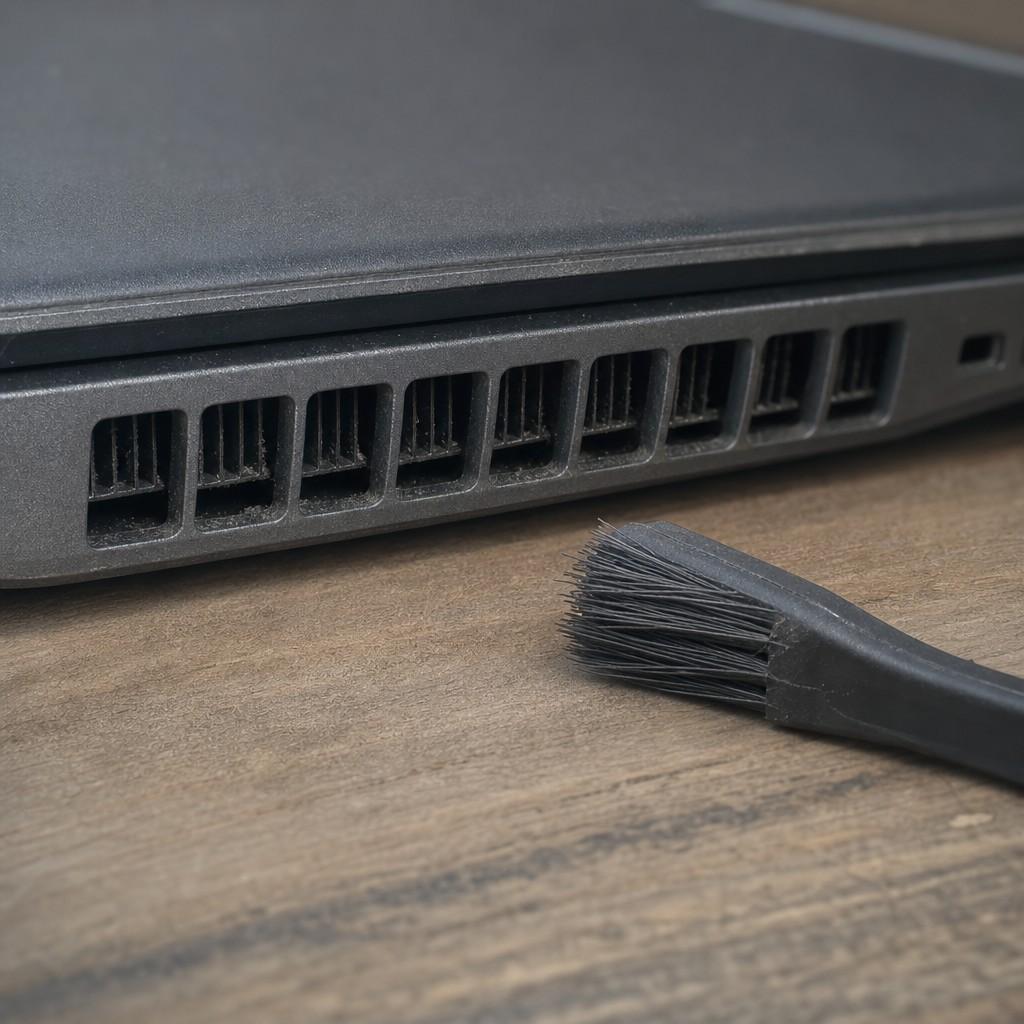
Laptops pull cool air in through vents, usually on the bottom or sides, and push warm air out the back.
The single easiest thing you can do is not block those vents.
Never set a laptop flat on a blanket, a pillow, or even a thick tablecloth. The fabric seals the bottom vents and the machine heats up fast. A hard, flat surface works. A small book under the back edge is even better.
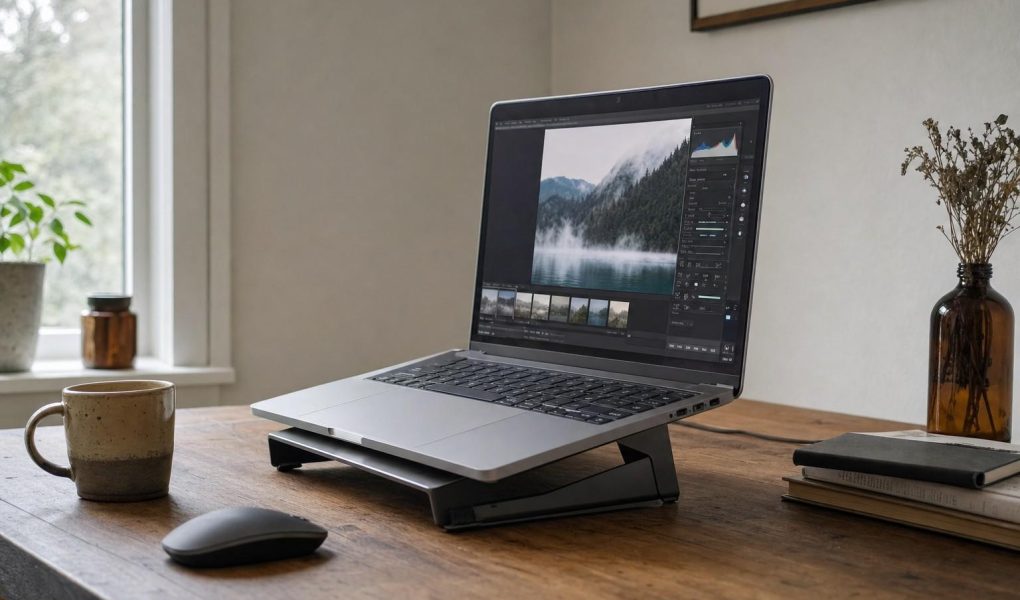
I use a cheap plastic laptop stand from the bargain bin. It tilts the screen to a comfortable angle and lifts the bottom off the desk.
That alone made my old laptop quieter during editing sessions.
Dust Is the Quiet Enemy
Over a few months, dust builds up inside the air vents. The fan has to spin harder to move the same air, the machine runs hotter, and you start to hear it working.
A can of compressed air, run through the vents every few months, clears out the buildup. You can find them at any office supply or hardware shop. Point the straw at each vent and give it a short burst. Do it outdoors or near an open window.
Cleaning the vents takes two minutes. It is the cheapest maintenance job on any laptop, and most people skip it for years.
On older machines you can hear the difference right away. The fan settles down, the laptop runs cooler, and editing feels snappier.
Keep the Phone Lens Clean Too
While you are in a care-of-gear mindset, the phone lens is worth a quick look.
A phone lens coated in fingerprints and pocket lint turns bright outdoor light into haze. A small microfiber cloth wiped across the lens before you shoot is as close to a free upgrade as you will get. A shirt corner works in a pinch.
I keep a cloth in my jacket pocket and wipe the lens whenever I get back from a walk, before I start editing.
It also pays to look at what accessories are actually worth carrying. Most phone photo gadgets are a gimmick, but a handful of cheap accessories fix real problems and are worth knowing about.
Back Up Before You Edit
This one is not about heat, but it belongs in any honest gear-care conversation.
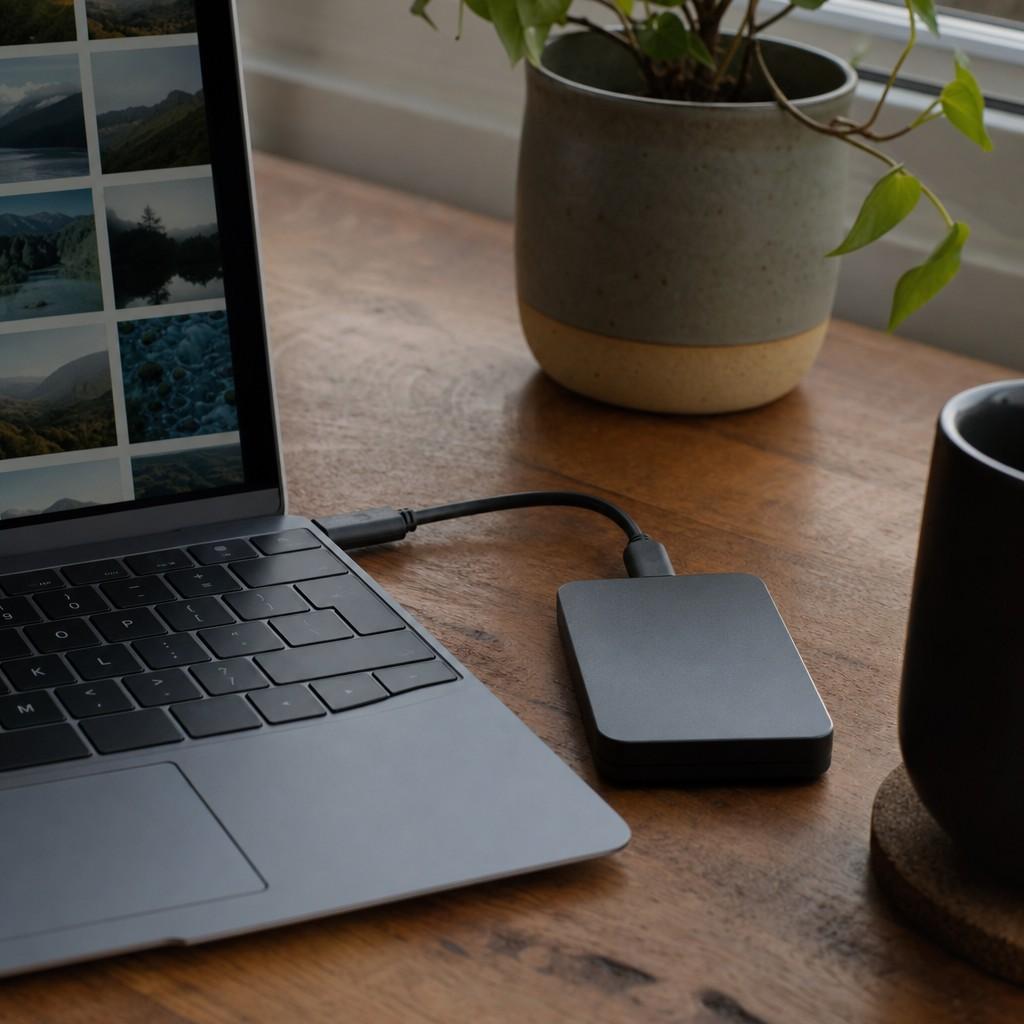
Before you start editing a batch of photos, copy the originals to a second location. A USB drive, an external hard drive, a folder on a second computer. Anywhere that is not the same machine you are editing on.
Hard drives fail. Laptops get dropped. It happens once and you learn, or you back up before it does.
The photos on your phone are also worth protecting. Most phones have cloud backup you can switch on in the settings. Worth five minutes to check.
What to Do If the Laptop Still Runs Hot
Some older laptops run warm even with clean vents. A few things help:
- Close browser tabs and other apps before you open your editing software. Every open tab uses memory.
- Plug in rather than running on battery. Editing on battery can actually push some laptops to throttle the processor.
- Let the machine breathe after a long session. If you have been editing for two hours straight, it is reasonable to let it sit idle for a few minutes before starting again.
A cooling pad, a flat platform with a built-in USB fan, is useful if overheating is a recurring issue on an older machine. You can find them inexpensively and they do make a difference.
Then Go Take More Photos
Keeping the laptop cool is about removing friction.
You come home from a walk with 40 phone shots you want to look through. The last thing you want is the machine grinding, the fan screaming, the session grinding to a halt.
Clean vents, a hard surface, and backed-up originals: that is the whole habit. Takes almost no time to maintain once you do it once.
And if you are working on what to shoot during those walks, the basics of composition rules made simple are worth a read. And when you are ready for something more ambitious, the approach I use for capturing scenic landscapes with just a phone translates well to what you will find on almost any trail.